
Choose the install path
Windows x64 and Apple Silicon: use the official Desktop preview. Intel Mac and Linux: use the npm/npx Web UI path.

Start with the shortest setup path for your operating system. Once DSH can access an empty test workspace, use the guides below for model configuration, error fixes, plugins and model selection.
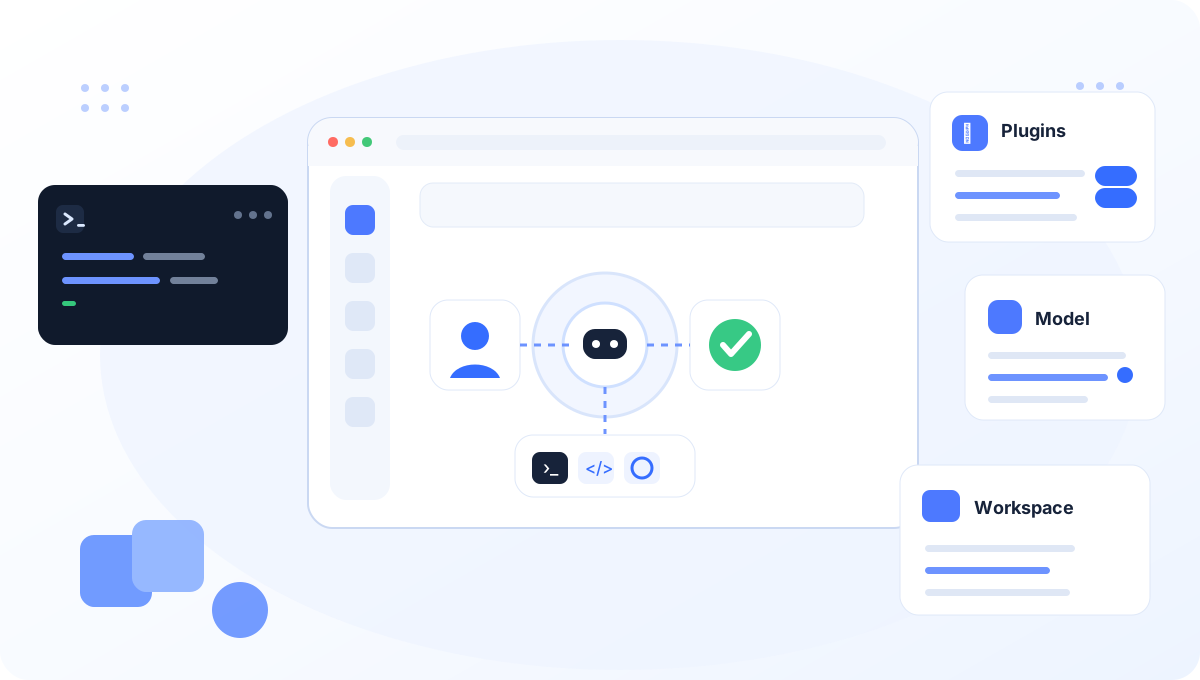
Do not learn the whole toolchain before checking the basic path.
Windows x64 and Apple Silicon: use the official Desktop preview. Intel Mac and Linux: use the npm/npx Web UI path.
Save a provider credential in Settings → Models and select a model from the live picker.
Use a disposable dsh-test folder and run a read-only file-listing task before asking DSH to edit anything.
 DSH Desktop for Windows and macOS
Download the official DeepSeek Harness Desktop preview for Windows x64 or Apple Silicon Mac. Model API credits are not included.
Check Desktop compatibility and setup →Each guide ends with the same success check: DSH opens, the model replies and the selected test folder is correct.

Use DSH Desktop first. The CLI path remains available in the advanced section.
Open the Windows guide →
Use the official Apple Silicon DMG; Intel Mac users can follow the CLI setup.
Open the macOS guide →
Installation, configuration, extensions and model choice are separate layers. Fix the layer that is actually failing.

Check the provider credential, selected model and custom-provider settings.
Open model configuration →
Review plugins, MCP and provider extensions only after the base session works.
Browse extensions →
Compare price, context, benchmark evidence and accepted-task cost instead of relying on one leaderboard.
Open model analysis →Use the exact error message when one is available.
MISSING_CREDENTIALNo usable API credential is saved for the current provider.UNKNOWN_MODELThe selected model is not available under the configured provider.401 authentication failedThe provider rejected the credential used for this request.EADDRINUSE / EACCES :3080The local Web UI port is occupied or reserved by Windows.Select model / input disabledA provider, model or workspace still needs to be selected.Choose a test folder, select a model, review approvals and verify the result on disk.
Compare DeepSeek V4.1 Flash, GPT-6 Astra, Claude Fable 5.1 and Gemini 3.8 Flash with evidence boundaries kept visible.
Open Models →Check benchmark version, harness, tool permissions and reasoning effort before comparing two scores.
Read the benchmark guide →Use release pages and pinned source links when DSH behavior changes between developer-preview builds.
Open version sources →