

How to Choose PDF Tools for Research and Technical Documents
Compare AI PDF reading, OCR, conversion, editing, and local tools by task, source quality, and file sensitivity before uploading a document.
On this page
A technical PDF may contain selectable text, scanned pages, tables, or a mix. Choose a PDF tool for the task you need to finish. The label AI PDF alone does not tell you whether a tool can read a scan, preserve useful page references, or keep processing local.
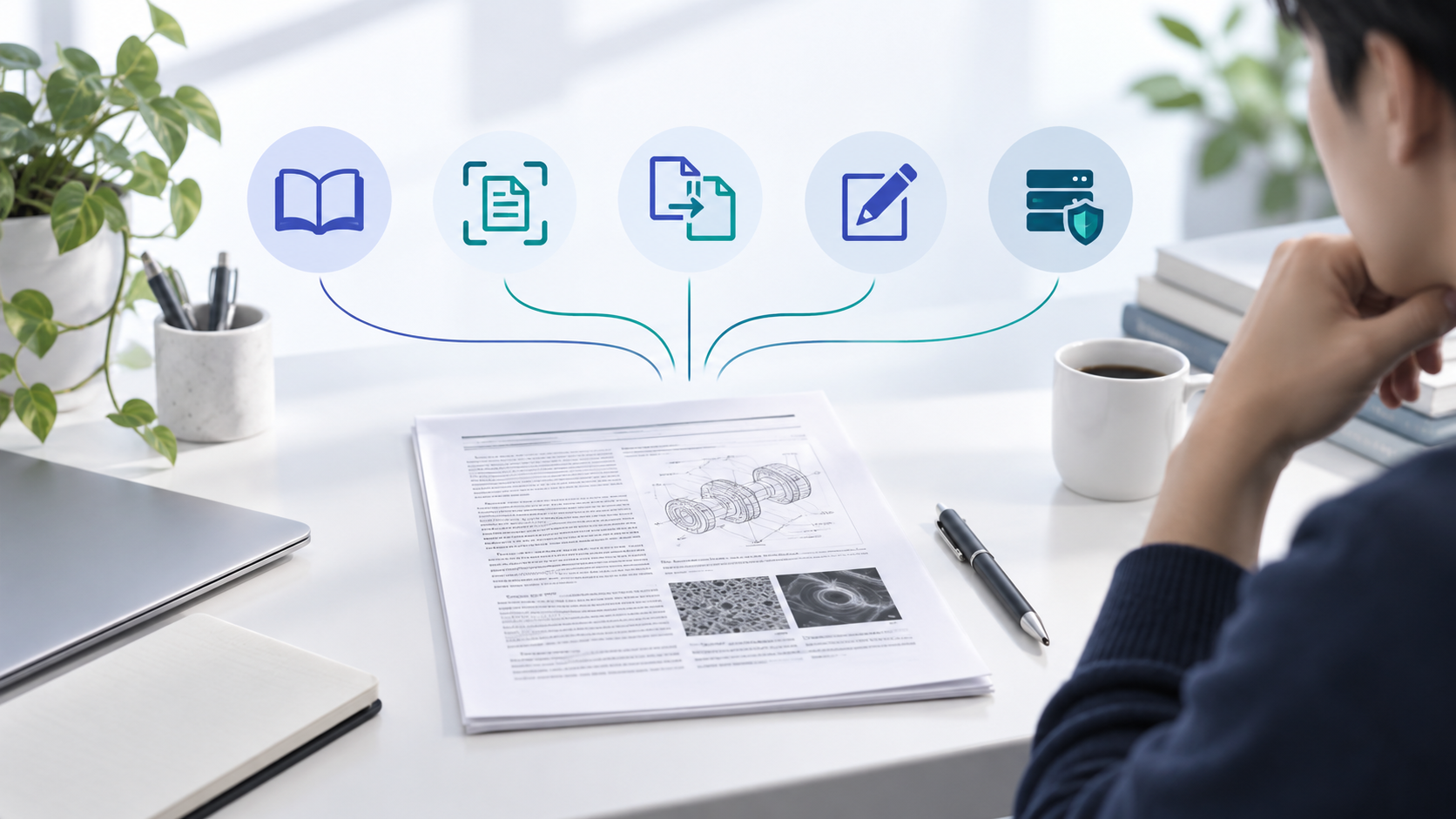
Identify the PDF task before you compare tools
Start with the result you need, not with a product feature list. A scanned contract, a research paper, a table-heavy report, and an API manual create different problems even though each file ends in .pdf.
| Task | Tool capability to look for | What to check in the result |
|---|---|---|
| Find a clause or answer a question | Searchable text or AI-assisted reading | Can the answer point back to a page or passage? |
| Extract text from scans | OCR for the document language | Are names, numbers, and symbols recognized correctly? |
| Reuse tables or figures | Table or image extraction | Does the output keep rows, columns, labels, and order? |
| Protect sensitive material | Local or approved private processing | Where are files sent, stored, and deleted? |
These are selection questions, not a ranking of specific products.
Check whether text can be selected in the source PDF. If it cannot, the file may need OCR before search or summarization can work. For tables, verify a small sample against the page image; a clean-looking text export can still lose column relationships.
Match PDF tools to text, scans, and tables
An AI PDF reader is useful when you need to ask questions across a readable document, but summaries should not replace the source. Keep the page number or section heading beside any fact that will affect a decision. If the PDF is a scan, test OCR first and verify the extracted text against the image.
A converter is the better fit when the goal is a reusable Word, spreadsheet, or image file. Editing and redaction tools serve another job: check that a redaction removes the underlying content, not only the visible mark. For source code or data extraction, confirm that the tool supports the format and output you actually need.
- Use an AI reader for navigation and first-pass questions, then verify important answers in the PDF.
- Use OCR when page images contain text that normal search cannot find.
- Use conversion when you need to continue editing in another format.
- Use local processing when documents cannot be sent to an unapproved cloud service.
Compare PDF tools and check file handling
A directory can help you discover candidates, but the directory and the listed product have different jobs. AskPDF currently presents itself as a directory for finding PDF tools. Its homepage groups options around AI reading, OCR and extraction, conversion, editing, and local processing, and says its listings aim to show pricing, practical limits, and sources.
Use that kind of index to make a shortlist, then open the tool's own documentation and privacy terms. Check accepted file types, page or file limits, export quality, retention, deletion, and whether a free tier has restrictions. Do not upload a confidential file just to find out whether a tool works.
Browse PDF tools by task on AskPDF
Section sources: AskPDF — PDF tools directory
Turn document findings into bounded coding work
When a PDF describes an API or a product requirement, separate reading from implementation. First capture the relevant passages with page references. Then turn them into a short task with acceptance criteria before asking a coding agent to change a repository.
A coding agent such as DeepSeek Harness works on the repository task; it is not a substitute for OCR or a PDF reader. Keep the source excerpt available during review so you can compare the code change with the document instead of trusting a generated summary.
For example, if an API guide defines a timeout field, record the page, field name, and expected behavior. Ask the agent to locate the related code before changing it, then review the patch against that same source passage.
PDF tool questions
Is AskPDF itself an AI PDF reader?
Its current homepage describes AskPDF as a directory for finding and comparing PDF tools. Open a listed product to check what that product can process.
Do I need OCR for every PDF?
No. OCR is for text represented as page images, such as many scans. Searchable PDFs may already contain a text layer, but check a sample before relying on it.
Can I upload a sensitive document to any online PDF tool?
Do not assume that every service has the same data practices. Check retention, deletion, access, and any organizational rules first; use an approved local option when needed.
Conclusion
Choose PDF tools by matching the document to the job, then verify the output and file-handling terms. A directory such as AskPDF can help you find candidates; the listed product's own documentation should decide whether it fits your document.