

Build a Random Animal Picker as a First Coding-Agent Project
Plan a random animal picker, add no-repeat draws, and verify a small coding-agent project from its data model to an accessible interface.
On this page
A random animal picker makes a useful first coding-agent project because the result is easy to see and the rules are easy to check. Start with a small local animal list, then add filtering, batches, and no-repeat rounds only after the basic draw works.
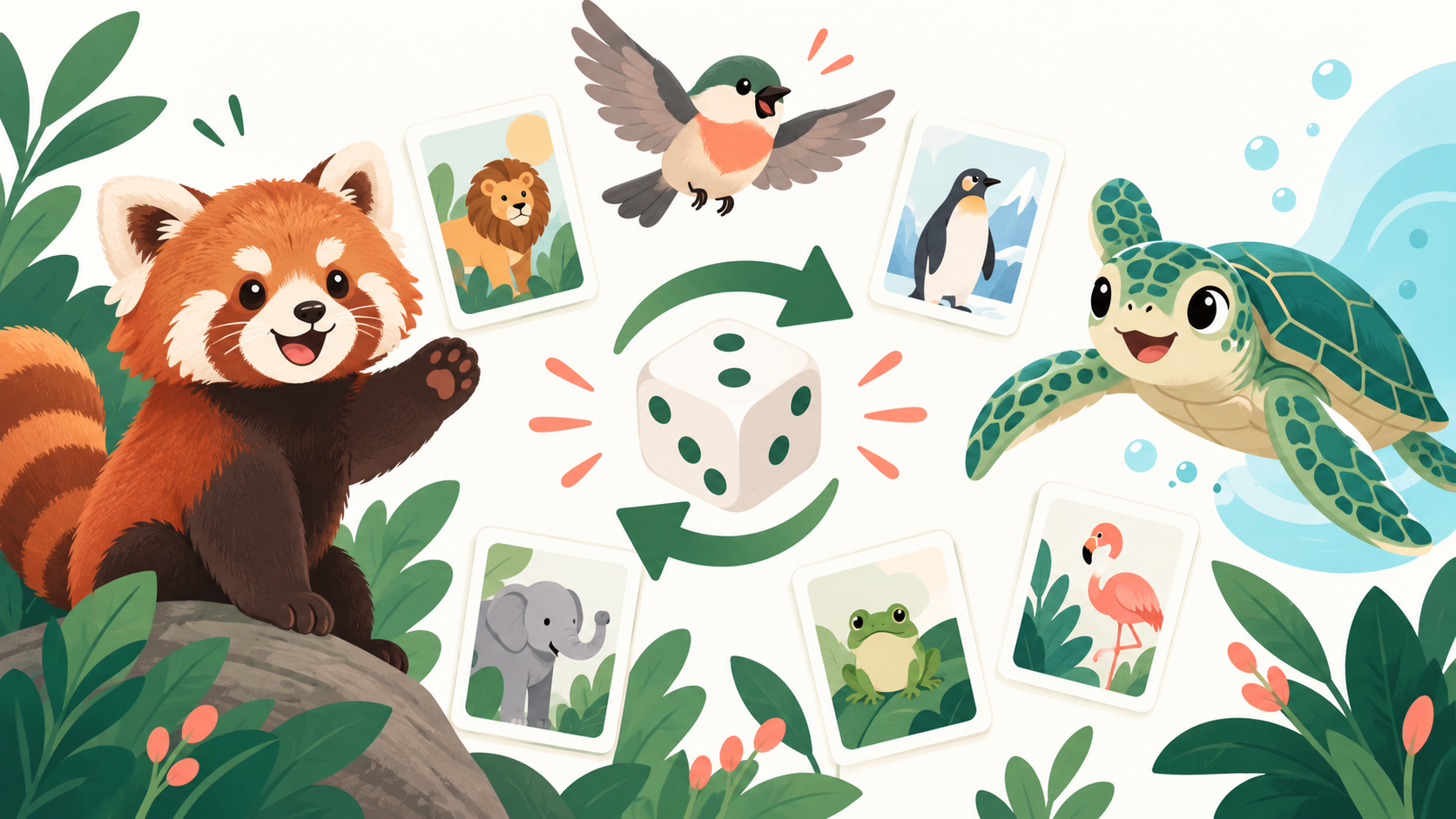
Why a random animal picker works as a starter project
The core behavior fits in one sentence: choose an animal from a list and show the result. That gives a coding agent a clear target, while the interface offers visible ways to review the work: draw again, filter the list, and show the animal's name or image.
Keep the first version small. Use a short dataset with an id, common name, category, and optional image path. Add real animal facts only when you can store their source and check that the wording matches it.
Write the random animal picker rules before the UI
Decide what counts as a valid draw before asking an agent to build controls. These rules prevent common edge cases from becoming last-minute fixes:
- Which animals belong in the pool, and how does a category filter narrow it?
- Can a round return one animal or a batch, and what is the maximum batch size?
- Does the current round allow repeats? If not, when does the pool reset?
- What should appear when the filter matches no animals?
- Which facts and image credits must appear with each result?
A filter should operate on the selected pool, not hide an invalid result after the draw. For a no-repeat round, track used ids instead of comparing display names; two records can share similar names or labels.
Implement random and no-repeat draws in separate steps
For a basic picker, choose a valid index from the filtered pool. Check for an empty pool before reading an item. This is enough for a casual classroom or creative prompt; ordinary pseudo-random selection is not suitable for security decisions or audited prize drawings.
function pickOne(pool) {
  if (pool.length === 0) return null;
  const index = Math.floor(Math.random() * pool.length);
  return pool[index];
}For a batch without repeats, copy the filtered pool and shuffle it with the Fisher–Yates algorithm, then take only the requested number of items. For repeated draws within a round, remove each chosen id from a remaining pool and refill it only when the user resets the round.
Do not mutate the original dataset when drawing. Keeping source data unchanged makes category changes, reset behavior, and automated checks easier to reason about.
Give a coding agent a bounded implementation task
Ask the agent to implement one working path before adding polish. In a DSH workspace, that can mean starting from the repository's existing app structure, changing only the picker surface, and showing the diff for review.
Build a responsive random animal picker from this local dataset.
Support one result, category filtering, and a no-repeat round.
Handle an empty filtered pool and a single-item pool.
Add focused tests for draw, reset, and duplicate prevention.
Do not add dependencies or fetch external images.
Show the changed files and test results.Keep the task small enough to review. Once the basic flow passes, add a batch size control or animal profile links in a separate change. This makes it easier to locate a problem if a new control changes the draw behavior.
Verify the random animal picker with edge cases
Test the rules as separate cases, then try the visible controls in a browser. A small checklist can catch problems that a successful first draw will not reveal:
- An empty source list and a filter with no matches show a clear empty state.
- A one-item pool does not create an invalid index or a stuck no-repeat round.
- A batch never asks for more items than remain in the pool.
- Reset restores the original eligible set without changing the source data.
- Keyboard focus, touch targets, image credits, and narrow-screen layout remain usable.
For a live reference, Random Animal Picker currently offers category filters, batch draws, an optional no-repeat round, and result profiles with available facts and sources. Use it to understand the interaction pattern; do not copy its photos or content without checking their licenses and attribution terms.
Section sources: Random Animal Picker — live generator and picker
Random animal picker project questions
What is the easiest first version?
Use a small local list, one draw button, and a result card with a name and category. Add filters or batches after that path works.
How should a no-repeat round work?
Track selected ids or draw from a separate remaining pool. Reset the pool when the user starts a new round.
Can a random animal picker be used for a prize draw?
A casual picker that uses ordinary browser randomness should not be treated as a secure or audited drawing system. Use a purpose-built, verifiable process for consequential selections.
Conclusion
A random animal picker is a useful first coding-agent project when its data, draw rules, and edge cases are explicit. Build the smallest working version, verify no-repeat and reset behavior, then expand the interface in reviewable steps.