

Is GPT-6.1 Sol Worth the Upgrade?
Compare GPT-6.1 Sol and GPT-6 Sol on coding, API costs and tool support, with a cache-cost example, migration checklist and three tasks to test the upgrade.
On this page
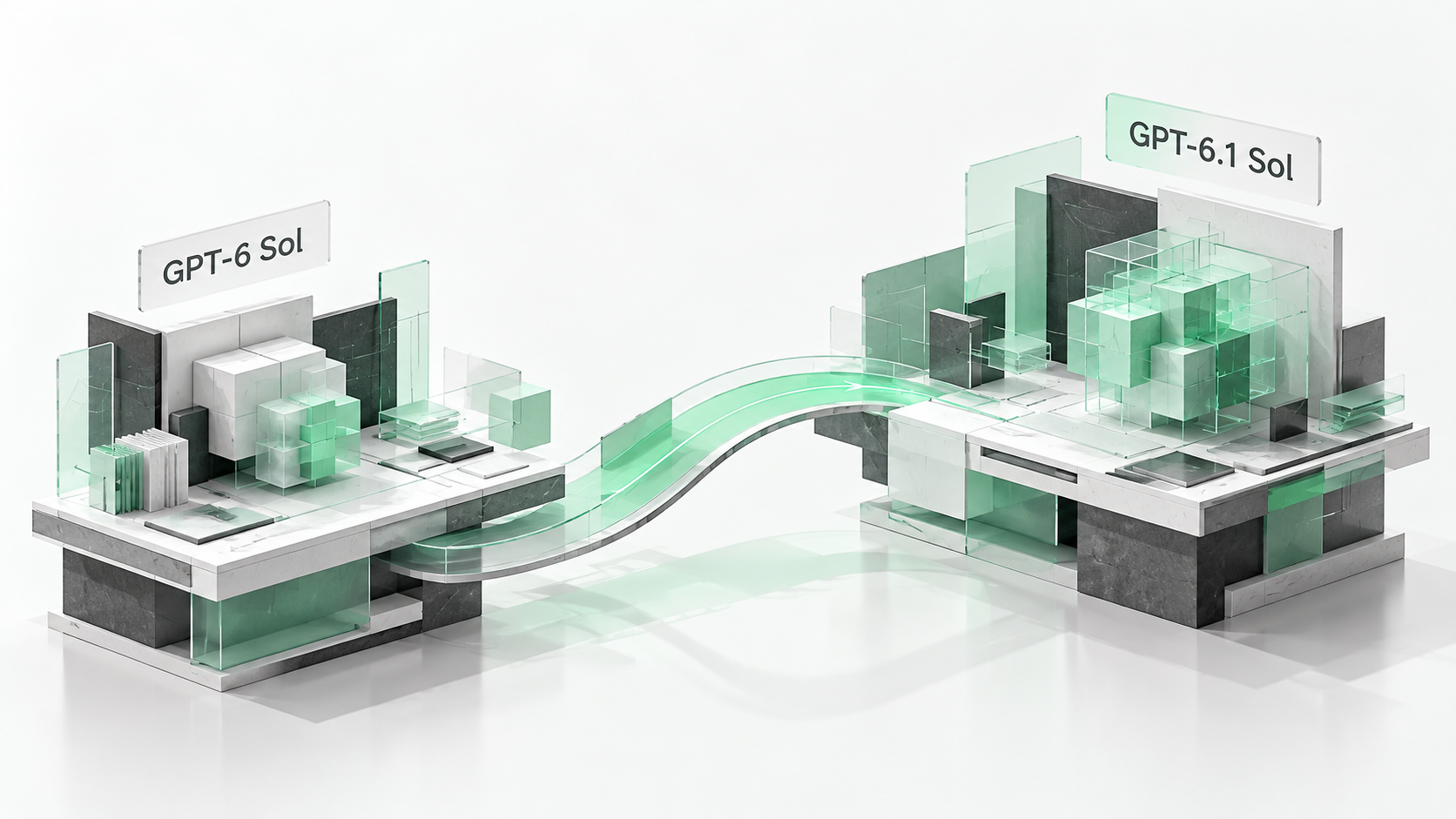
If you already use GPT-6 Sol for coding, try 6.1 Sol on a task that often needs follow-up edits. The models share the same Standard input and output rates, while 6.1 Sol has cheaper cache reads. Check the reasoning effort setting (the model's thinking level) and tool interface when you switch. Once those settings work, compare the results, completion time and human intervention required.
Start with a task that often needs rework
Suppose you need to add a field to an API while preserving the behavior of existing callers. After editing the endpoint, the model also has to check type definitions, error responses and tests. Missing one of those pieces can mean another explanation from you and another round of edits.
This is a useful task for comparing GPT-6.1 Sol with GPT-6 Sol: it spans several files, the requirements are connected, and tests can verify the result. Record which requirements each model misses, how it responds to failing tests and how often you have to step in.
If your everyday work is mostly comment edits or short copy changes that the current model already handles reliably, you can take more time with the upgrade. Start with work that frequently fails or needs retries; the differences are easier to observe there.
What the official GPT-6.1 Sol evaluations measure
OpenAI reports that 6.1 Sol matches Astra on DeepSWE v1.1 and exceeds 6 Sol's best result by 6.4 percentage points. On AutomationBench at medium effort, it improves on 6 Sol by 4.8 percentage points; on OSWorld 2.0's offline set at max effort, the improvement is seven percentage points.
These evaluations cover different work. DeepSWE tests software-engineering tasks in real repositories, AutomationBench covers multi-step business workflows, and OSWorld covers computer use. Focus first on the evaluation closest to your own work, and read the reasoning setting alongside its result.
For example, if you use the model to investigate bugs, edit code and run tests, use a bug fix that previously stalled as your comparison task. Cross-file edits and test results will tell you more about that workflow than having each model write a short function.
Same input and output rates, half the cache-read price
The table lists Standard text-token rates. Uncached input is charged at the input rate, qualifying cached input at the cache-read rate, and billed output at the output rate. Add these three amounts to estimate token charges for the workload.
The input and output rates are unchanged. The cache-read rate falls from $0.20 to $0.10. If your workflow often reuses the same background material, check the actual cache-hit volume in your billing records to estimate the saving.
| Metric | GPT-6 Sol | GPT-6.1 Sol |
|---|---|---|
| Input / 1M tokens | $2.00 | $2.00 |
| Cache reads / 1M tokens | $0.20 | $0.10 |
| Output / 1M tokens | $10.00 | $10.00 |
| Context window | 1,050,000 tokens | 1,050,000 tokens |
| Maximum output | 128,000 tokens | 128,000 tokens |
Verified September 30, 2026. Prices use Standard processing.
Suppose short-context requests total 10M input and 2M billed output tokens, with 60% of input cached. Sol: 4 × $2 + 6 × $0.20 + 2 × $10 = $29.20. 6.1 Sol: 4 × $2 + 6 × $0.10 + 2 × $10 = $28.60. The difference is $0.60; output accounts for a large share of this workload's bill. The example excludes cache writes, tool fees and other additional charges.
Check the model name, reasoning effort and tool API together
If your existing program uses none, adjust that setting when moving to 6.1 Sol. It supports low, medium, high, xhigh and max; 6 Sol also supports none. Get a request working with a supported setting, then measure its response time.
Check the API used for tool calls as well. Sol supports function calling through Chat Completions when reasoning_effort is none. For 6.1 Sol, use the Responses API for tool workflows; Chat Completions is available for requests without tools.
In DSH or a third-party gateway, start with a simple tool action, such as reading a specified file and reporting its contents. Check that the result is returned and subsequent requests can continue before attempting a multi-step code change.
| Check | Action when upgrading |
|---|---|
| Model identifier | Confirm gpt-6.1-sol |
| Reasoning effort | Select low, medium, high, xhigh or max |
| Tool requests | Use Responses and check continuation after the tool returns |
| Rollback configuration | Keep the old model and parameters for comparison and recovery |
Use three familiar tasks to choose a default model
Choose one task from each of the three categories below. An existing project makes this easier: you know its original behavior and which results you can accept.
Start both models from the same commit, using identical prompts, tool permissions and reasoning effort. After each run, record whether the result passes, how long it takes, the billed token usage, and how often you clarify requirements or edit the code yourself.
If 6.1 Sol reduces rework on frequent tasks and the integration runs reliably, gradually give it more work. Paths that depend on none or particular API settings can continue using Sol until migration checks are complete.
| Trial task | Material to provide | How to check the result |
|---|---|---|
| Fix a bug | Failing test, error and relevant files | The failing test passes and related tests continue to pass |
| Make a cross-file change | Requirements, compatibility conditions and file structure | Callers, types and tests are updated together |
| Extract document information | Original documents and a field list | Check each answer and its source |
Takeaway: verify the interface, then compare rework and cost
To choose between GPT-6.1 Sol and GPT-6 Sol, use a project you know. Check API compatibility, compare the same tasks, then decide whether to change your default model. Cache savings can be calculated directly; judge the coding benefit through completed work and time spent on manual repairs.
If you are still considering the roles of Astra, Sol and Luna, read the four-model selection guide to decide which tasks to assign to each.
Frequently asked questions
Is 6.1 Sol more expensive than Sol?
Their Standard input and output rates are the same, while 6.1 Sol has cheaper cache reads. Total spending also depends on actual usage, retries, processing mode and long-context rates.
Can GPT-6.1 Sol take on Astra's tasks?
Start with a comparison on familiar development tasks, then decide how to divide the work. OpenAI reports near-Astra results on some coding evaluations; it still recommends Astra for the hardest scientific research.
Where can I use GPT-6.1 Sol?
As of September 30, 2026, OpenAI provides access through Work, Codex and the API; ordinary Chat does not yet offer it. Availability depends on your plan and workspace permissions.
Official sources and pricing checks
OpenAI — Introducing GPT-6.1 Sol · OpenAI API — GPT-6 Sol · OpenAI API — GPT-6.1 Sol · OpenAI API — Model selection · OpenAI Academy — Model launch resources