

Which GPT-6 Model Should You Use?
Compare GPT-6 Astra, 6.1 Sol, Sol and Luna for coding, research and batch work, using API rates and workload examples to choose a model for your own tasks.
On this page
For coding, start by trying GPT-6.1 Sol. For complex research, evaluate Astra first; for high-volume extraction and classification, start with Luna. Workflows already running reliably on Sol can stay in place while you migrate gradually. Begin with the task: how complex is it, how will you verify the result, and how much extra work would one failure create?
Tasks within the same project can differ in difficulty
Suppose you are developing a new feature. First you organize user feedback, then edit the code, and finally investigate a failure that appears only under certain conditions. Feedback may have fixed fields and classification rules. Code changes require checking callers, while investigating the failure may require hypotheses and evidence.
You can evaluate models separately for these tasks. Work with simple criteria and easily verified results is a useful place to try a lower-cost model. When the material is more interconnected and failures take longer to investigate, a larger model budget can be worthwhile.
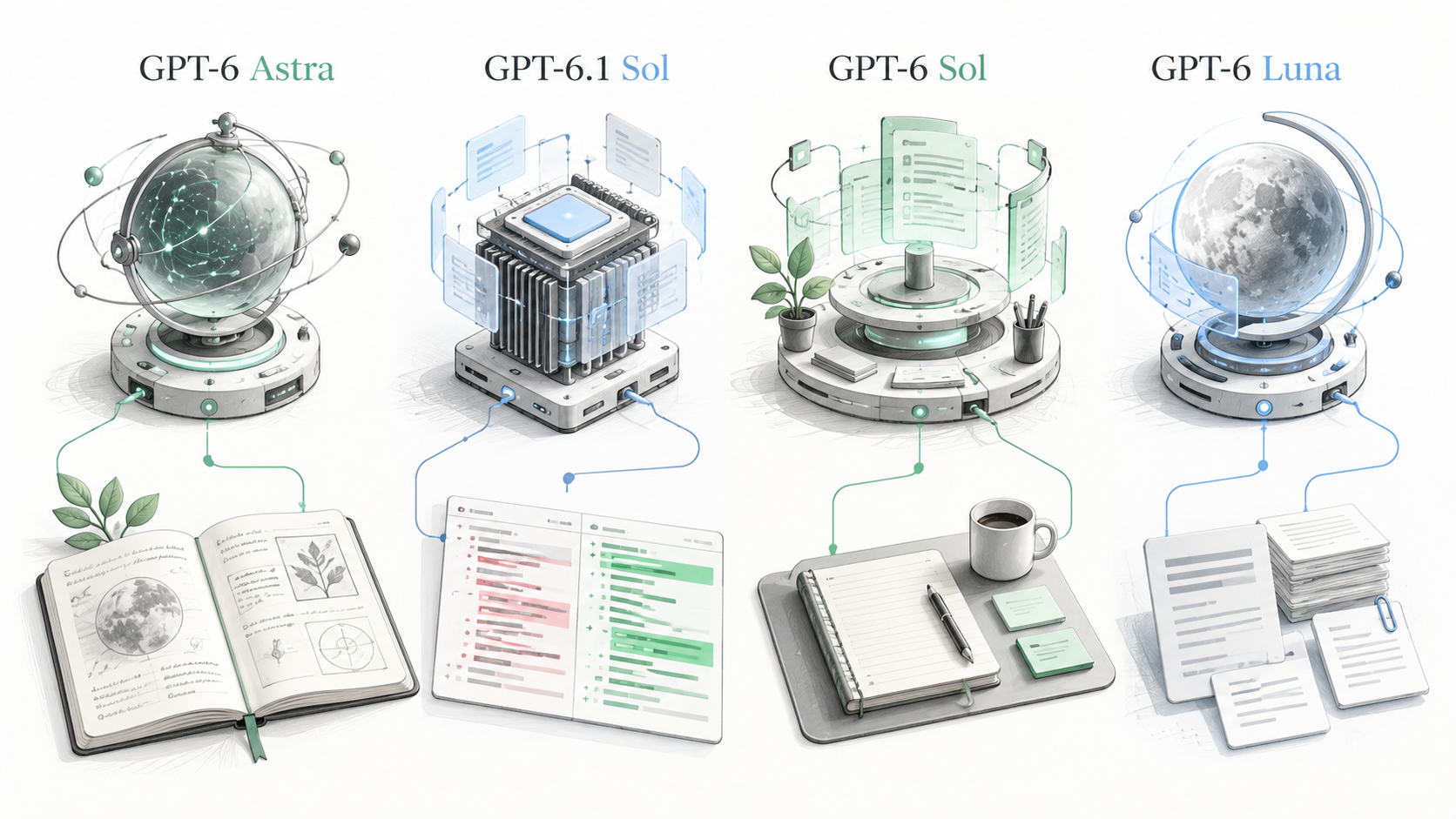
OpenAI currently positions Astra for its highest capability, 6.1 Sol for a balance of capability, speed and cost, and Luna for focused, high-volume tasks. Sol was the workhorse before this upgrade and serves as a migration baseline for existing workflows.
Rates and context: what the numbers mean
All four official specifications list a 1,050,000-token context window and a 128,000-token maximum output. The context window describes the token capacity available for a request. Once the material is included, use a concrete task to check whether the model finds relevant evidence and retains the requirements for an edit.
The table lists Standard text-token rates for input, cache reads and output. The last column suggests a starting workload so you can connect each model to the work at hand.
| Model | Input / 1M | Cache reads / 1M | Output / 1M | Starting workload |
|---|---|---|---|---|
| GPT-6 Astra | $10 | $1 | $50 | Difficult research, complex reasoning |
| GPT-6.1 Sol | $2 | $0.10 | $10 | Everyday development, cross-file edits |
| GPT-6 Sol | $2 | $0.20 | $10 | Stable workflows, migration baseline |
| GPT-6 Luna | $0.10 | $0.01 | $0.50 | Extraction, classification, batch processing |
Pricing snapshot: September 30, 2026, for short-context requests. Workload suggestions are starting points based on official model positioning.
OpenAI API — GPT-6 Astra · OpenAI API — GPT-6.1 Sol · OpenAI API — GPT-6 Sol · OpenAI API — GPT-6 Luna
Compare the four models on concrete work
6.1 Sol can be a starting point for new development work. To add a field to an endpoint, for example, specify the new behavior, compatibility requirements for existing callers, and tests for success and error responses. Inspect the patch and test results to check whether the requirements are met.
Consider Astra for difficult investigations: interacting failures, for example, or work combining experimental results, code and theoretical assumptions. In its Terminal-Bench Science 0.1 evaluation, OpenAI still recommends Astra for the hardest scientific research tasks.
Start a Luna trial with a small set of data whose answers you already know. Assign feedback to fixed labels, extract specified document fields or screen logs for possible errors. Check omissions and classification accuracy before increasing the volume.
Sol can continue handling work that already runs reliably. Programs using older reasoning settings or API configurations can stay operational while you verify the migration to 6.1 Sol.
| Work | Model to evaluate first | Acceptance checks |
|---|---|---|
| Everyday development and cross-file edits | GPT-6.1 Sol | Compatibility requirements and test results |
| Complex research and difficult investigations | GPT-6 Astra | Evidence, reasoning and reproducible results |
| Field extraction and fixed-label classification | GPT-6 Luna | Field completeness and content accuracy |
| Maintain an established workflow | GPT-6 Sol | Stable behavior and a reversible migration |
OpenAI — Introducing GPT-6.1 Sol · OpenAI API — GPT-6 Sol · OpenAI API — GPT-6 Luna
Calculate each model's bill for the same token volume
Start with a budget example: each request has at most 272K input tokens, and the workload totals 10M uncached input plus 2M billed output tokens. The listed rates give about $200 for Astra, $40 for each Sol version and $2 for Luna.
Those amounts compare prices for equal token volumes. In actual work, also record how many tokens each model uses and how many attempts it takes. Divide spending across all attempts by the number of accepted tasks to get an average task cost, and track manual repair time separately.
Long-context rates apply to each request. Above 272K input tokens, the whole request's input and cache-related rates double, and output rates rise to 1.5 times the baseline. Two workloads with equal total usage can cost different amounts because their individual requests differ in size.
The calculator below lets you adjust total volume and the cached-input share. If long and short requests are mixed together, estimate the two groups separately and add the totals.
When to hand a task to another model
Even with one default model, keep track of tasks that may need escalation. If tests repeatedly fail, sources conflict, or the model changes a system boundary that has not been explained, pause and collect the current task state.
For example, after two controlled attempts fail to fix a bug, give Astra the original requirements, failing tests, edited files and confirmed facts to continue the investigation. Set the attempt policy for your own project. Explaining the work already done helps avoid repeating the investigation.
Start batch tasks with Luna, then review flagged results and pass them to 6.1 Sol. After extracting fields, for instance, separate records with missing required fields. For factual judgments, also check the result against the original text.
In DSH or another agent, configure the model and tools together. MCP and computer-use workflows depend on the application providing tools and permissions. Verify that a small task runs from request to result before expanding the scope.
Takeaway: choose a starting point, then adjust from results
Begin choosing between GPT-6 Astra, 6.1 Sol, Sol and Luna with three workload categories: everyday development, complex research and batch processing. Try 6.1 Sol for new development, evaluate Astra for difficult research and Luna for extraction and classification. Migrate stable Sol workflows gradually.
Record results, time and cost, then adjust how the work is assigned. If you already use Sol, continue with the upgrade guide to check reasoning settings and tool APIs when switching to 6.1 Sol.
Frequently asked questions
What is Astra's role now that 6.1 has a newer version number?
6.1 Sol updates the workhorse model, while Astra retains the highest-capability role. Consider both the model's positioning and the results on your own tasks.
How do these models work with video-generation tools?
For video generation, check the dedicated model and API. Text models, image input and separate tools have their own capabilities; check computer-use and image-tool support individually as well.
How does the calculator differ from Plus or Pro billing?
The calculator estimates API text-token charges. Plus and Pro provide allowances under their subscription rules. API token usage, tool fees, cache writes and other additional charges are accounted for under API billing.
Official specifications and selection resources
OpenAI API — Using GPT-6 · OpenAI API — GPT-6 Astra · OpenAI API — GPT-6.1 Sol · OpenAI API — GPT-6 Sol · OpenAI API — GPT-6 Luna · OpenAI — Introducing GPT-6.1 Sol · OpenAI API — Pricing · OpenAI Academy — Model launch resources