
How to draft a video script with Media Desk for DeepSeek Harness
Turn a phone note into a video script, cover, and storyboard with Media Desk for DeepSeek Harness. See how to install it, set up images, and export a draft.
On this page
You have a note on your phone that says, “Every time I turn on the fill light, it shows up in my glasses.” It felt like an idea for a video when you wrote it down. Then you set up the phone and have to pick the first shot. Do you open on the glare in the lens, or do you show yourself moving the light?
I'd save the note on the Media Desk idea wall and attach a photo of the glare if I had one. When I sit down to write, the note and photo are on the same card. Media Desk is a DeepSeek Harness community plugin from Snail's Tech Notes (蜗牛的科技笔记), a creator on RedNote. Install the dsh-media-desk package and open it from the DSH sidebar. Plugin homepage
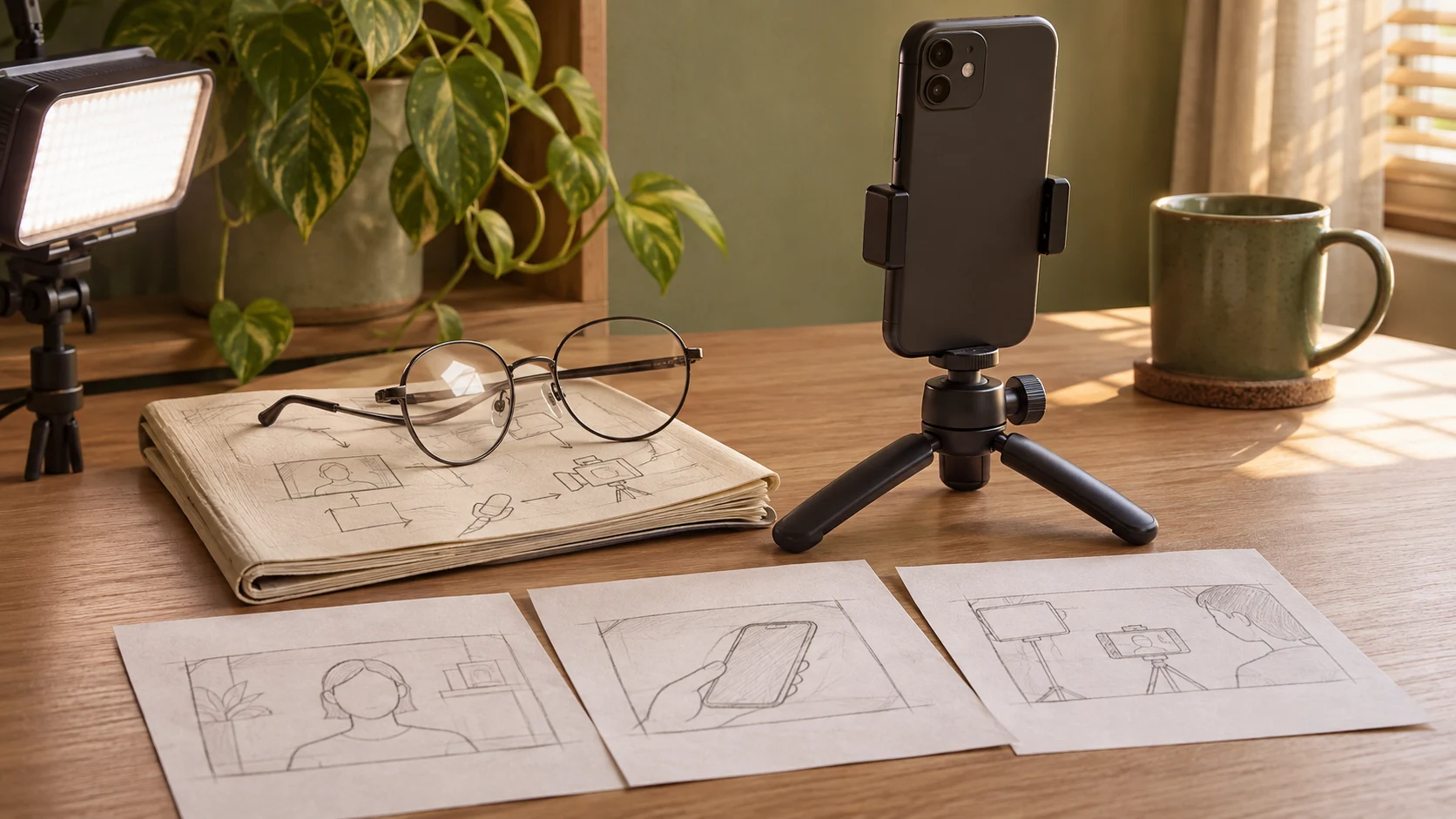
Start the script from an idea card
“Glare on glasses” is enough to jog your memory. For a storyboard, I'd jot down the shots I can actually film. Keep the phone in one spot and film the reflection with the light facing you. Then move the light and film from the same angle. Now the draft has two shots to work with.
Open the card, choose Script, and click Draft it. With a text model configured, Media Desk can suggest a title and write the script, cover text, and storyboard notes. I'd uncheck Draw images and read the first draft aloud. Any line that makes me stumble gets another pass.
You could open with “I turned the light on, and my glasses lit up first.” Cut to the lens as you say “lit up.” If the storyboard opens on your face, ask in the chat on the left for a close-up of the glasses in the first shot and the light adjustment in the second. Drafting and editing guide
Add the cover and storyboard images once the script feels right
For the cover, I'd use a frame that shows the reflection clearly and put “Glare on your glasses?” over it. If you still need a visual, Media Desk can generate a cover, illustrations, or line-art storyboard frames. Once the script is ready, use Draw cover or Draw this to make the images one at a time.
Media Desk is free to install and open source under the MIT license. Drafts use the text model you set up in DSH. Your provider bills that usage to your account. For images, connect an image API in the plugin settings or select DSH generation tools to use a compatible tool already available in DSH. When you save a text-only draft, Media Desk can make a simple cover from the cover text. Model setup and costs
Put this one on the calendar and see what to change next time
Once the draft is ready, drag it onto the calendar. On the day you plan to publish, copy the script or export it with the cover and storyboard assets. Then upload the post on the platform itself. Scheduling guide
After publishing, enter the numbers in Insights or paste them from a CSV. If the opening feels like it takes too long to get going, I'd write down something I can try on the next video, such as “Show the two shots in the first three seconds.” Media Desk can add suggestions from Insights to your writing rules and export those rules as a DeepSeek Harness Skill. Insights guide
How to install dsh-media-desk
The npm version checked for this article is 2.7.2. It requires DeepSeek Harness 0.2.1-rc.5 or later in the 0.2.x series. In the DSH sidebar, open Plugins, choose Add plugin, and enter dsh-media-desk. After installing, open Media Desk from the sidebar. The sample cards on first launch give you something to explore before you add your own. npm version metadata · Installation guide
If you're installing from a terminal, use the command for the version you run. Quit the desktop app completely before installing and reopen it afterward. For the web version, restart dsh web after installation.
macOS desktop app
dsh plugin --profile desktop add dsh-media-deskWeb version
dsh plugin --profile web add dsh-media-deskThe GitHub repository was created on November 2, 2026, and had 1,552 stars when checked on November 19. The repository also has the full instructions for installing from a terminal or through the plugin index. GitHub repository
Common questions
Can Media Desk publish directly to RedNote (Xiaohongshu) or Douyin?
Set the date and export the assets in Media Desk. To publish, upload the post on the platform itself. Project FAQ
Where does Media Desk save drafts and exports?
Media Desk stores ideas and drafts under ~/.dsh/media-desk/ by default, on the device running DSH. The English interface exports to ~/Documents/Media Desk/ by default. If ~/Documents/自媒体工作台/ already exists, the default points there. Project FAQ · Export folder behavior
Can I open Media Desk on my phone?
If you can reach your DSH web instance from your phone browser, open Media Desk from its sidebar. It gives you one place for an idea and any photos or clips you took while thinking about it. Web version details
Try it with something you could shoot today
For a first run with Media Desk, I'd pick an old idea I already have footage for and make a text-only draft. When the phone goes on the tripod, I want to know what to shoot first and be able to say the opening line out loud. Then I'm ready to film.
Model and workflow guides
Gemini 4 Neon is here. When is it worth switching models?
Compare Gemini 4 Neon in two coding setups, work through a $0.45 API example, and find Neon in Gemini, Google AI Studio, and Antigravity.
Read →Models and costsGPT-6.2 Astra & Sol Guide: Specs, Pricing & Choice
Beginner guide to OpenAI's GPT-6.2 Astra and Sol: Claude vs DeepSeek price table, plain-English benchmarks, 272K cliff, and step-by-step DSH & Python setup.
Read →Models and costsGPT-6.1 Terra Guide: Uses, Pricing and Sol Comparison
Beginner guide to OpenAI's GPT-6.1 Terra: half-price visual, computer-use, and writing model compared with Sol and DeepSeek, plus DSH and Python setup steps.
Read →Model setup and costsConnect Local Qwen 3.8 27B to DSH
Beginner guide to connecting local Qwen 3.8 27B to DSH: GPU memory table, LM Studio / Ollama / llama.cpp port setup, exact 5-field config, and error fixes.
Read →Model setup and costsCodex Costs: API Billing vs Subscription Usage
Beginner guide to OpenAI Codex costs: ChatGPT Plus login vs API-key billing table, real per-prompt dollar math, and 3 steps to lock a monthly budget cap.
Read →Model setup and costsConnect Grok API to DSH: Setup & Tools
Step-by-step beginner guide to connecting xAI's Grok API (grok-4.7) to DSH: Grok vs Groq comparison, exact 5-field custom provider setup, and 401/404 fixes.
Read →Model setup and costsChoose a Gemini Model by Task and Cost
Beginner guide to Google Gemini model selection: compare 3.8 Flash, 4 Argon, and DeepSeek prices, watch 2027 rate changes, and set up DSH in 4 simple steps.
Read →Model benchmarks and engineeringGemini 4 Argon Coding Benchmarks & 1M Window
Beginner guide to Google's Gemini 4 Argon coding scores vs Claude and GPT, how its shared 1M window and 65K output cap work, plus 4-step DSH setup.
Read →API costs and enterprise ROIGemini 4 Argon API Pricing, Cache & ROI Guide
Beginner guide to Gemini 4 Argon API pricing: Dec 2026 2x rate jump, how 95% auto-caching and thinking tokens bill, DeepSeek cost comparison, and calculator.
Read →Model setup and costsClaude Sonnet vs Opus: Which Should You Use?
Beginner guide to Claude Sonnet 5.5 vs Opus 5.5: side-by-side API prices, per-prompt cost math, clear rules on when to upgrade, and 4-step DSH setup.
Read →Models and costsOpus 5.5 vs Fable 5.2: Which Model Is Right for You?
Beginner guide to Claude Opus 5.5 vs Fable 5.2: side-by-side API prices, coding benchmarks, per-task cost math, 30-day retention rules, and 4-step DSH setup.
Read →Mobile and remote accessUse DeepSeek Harness on Your Phone: Beginner Guide
Zero-jargon beginner guide to using DeepSeek Harness on your phone: find your computer IP, connect over home Wi-Fi in 2 minutes, or use Tailscale on 4G/5G.
Read →Model interfaces and workflowsMiniMax H3 vs M-Series in DSH: Which Works?
Beginner guide to MiniMax H3 vs M3 in DSH: why H3 is for video while M3 handles coding, how to avoid region 401 errors, and 4-step DSH setup instructions.
Read →API credentials and troubleshootingKimi API Key Errors: Region, Model and Permissions
Beginner fix guide for Kimi / Moonshot API key errors: match .ai vs .cn URLs, avoid retired model names and K3 Max typos, decode 401/404/429, and set up DSH.
Read →Image editing and toolsAI Image Editing: Prompts, Masks and Review
Beginner guide to AI image editing without ruining your subject: copy our 4-line prompt template, avoid PNG mask traps, inspect edges, and use DSH safely.
Read →