

Choose a Gemini Model by Task and Cost
Choose Gemini by task, inputs, interface and API cost. Check promotion dates and model status, then verify what your DSH adapter supports.
On this page
Choosing Gemini starts with the result you need: a code repair, information extracted from a document, or real-time voice interaction. The required inputs and interfaces differ. Flash, Pro, Live, and TTS serve different purposes, so budget alone is not enough to choose between them.
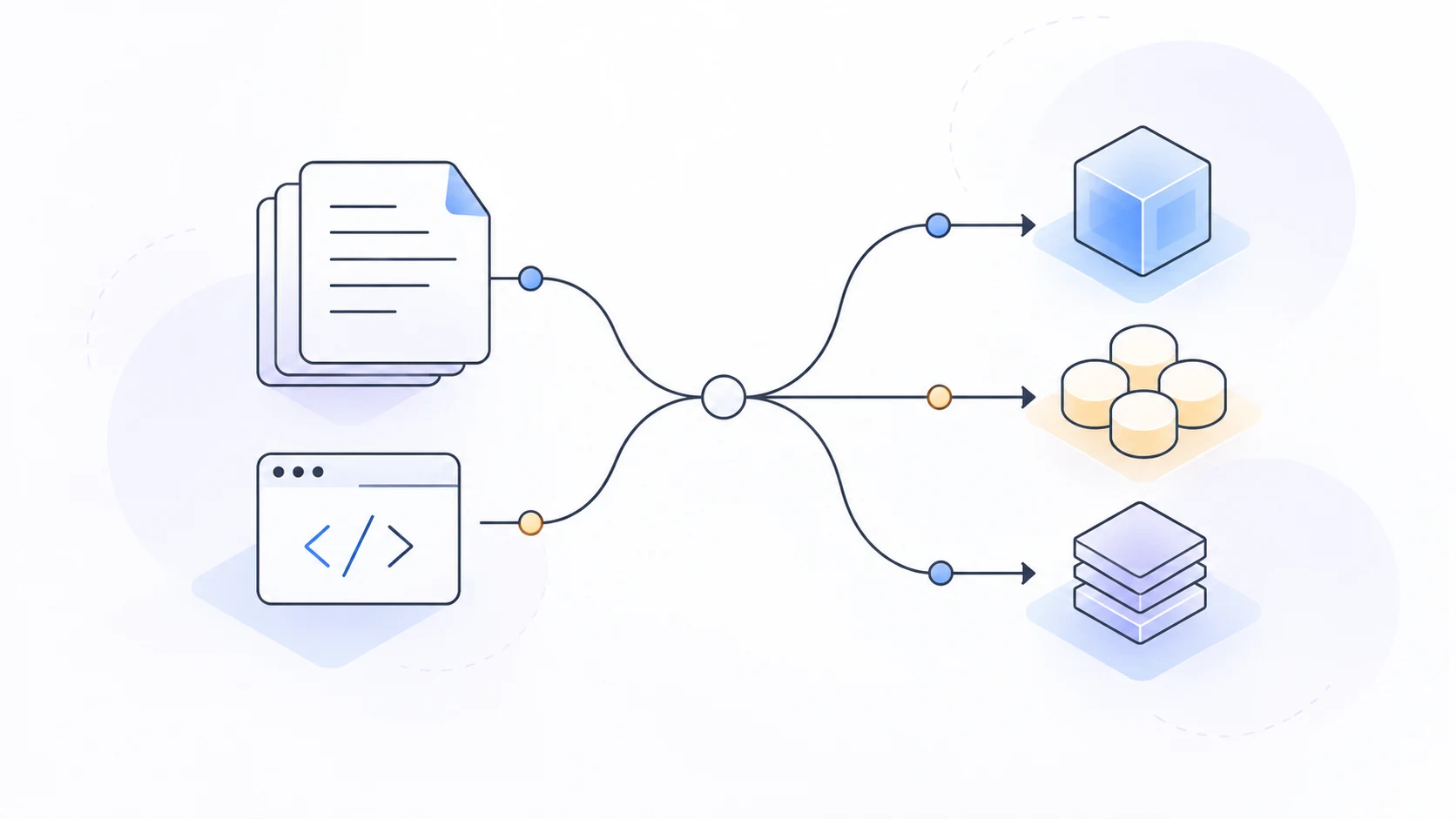
This article draws on Google's official model directory, pricing, and existing tutorials, checked on October 2, 2026. It explains how to choose using published model information. This site has not tested the models against each other on the same tasks.
Define the result before choosing Gemini candidates
“I want a smarter model” is too broad. Define a result you can check.
For a function repair, identify a failing test and what needs to pass. Document extraction needs named fields and a way to trace each value back to the source. A voice task first needs a distinction between transcription, real-time interaction, and speech generation. Success in one of these tasks does not establish success in another.
Google lists general-purpose and specialized models together. Filter by input, output, interface, and release status before comparing fees. That is more useful than memorizing family names. Official model directory
Gemini selection starts with the right interface
The Gemini 3.8 Flash model page lists text, image, video, audio, and PDF input, with text output. For real-time interaction or speech generation, check the relevant dedicated interface. When using a development tool, also verify how it passes inputs and handles outputs. 3.8 Flash model documentation
Check a candidate in this order:
- Can it accept the data I have?
- Can it produce the result I need?
- Does my current interface and client support that route?
- Is it stable, in preview, or a specialized version with separate access conditions?
Online tutorials often contain fixed model strings and older SDKs. Even a “verified” label needs a date and model version. Replacing an old model name with a new one does not establish parameter compatibility.
Compare Flash and Pro on a task you can verify
When results are easy to check and failures are inexpensive to retry, start with a suitable lower-cost candidate. That is a sensible order for testing candidates, not a guarantee that Flash suits every simple task.
For difficult reasoning, changes across dependencies, or errors that are costly to detect, include another candidate whose capabilities fit the task. Keep the input, tool permissions, and acceptance checks unchanged. Changing the model, prompt, and task together makes the outcome difficult to interpret.
For code, inspect the patch, run the tests, and look for unnecessary changes. For documents, trace each extracted value back to the source rather than judging the table by its appearance.
Check Gemini API prices, offer dates and service tiers
For Gemini 3.8 Flash standard API text rates checked on October 2, 2026:
| Date condition | Input per million tokens | Output per million tokens |
|---|---|---|
| Promotional rates through December 31, 2026 | $0.75 | $3.75 |
| Listed rates from January 1, 2027 | $1.50 | $7.50 |
Output rates include thinking tokens. Cache reads, cache storage, and tools have separate rows. Batch or other processing modes must not be mixed with standard interactive calls. Google's official price table
At promotional standard rates, 10,000 ordinary input tokens and 2,000 output tokens cost $0.0075 + $0.0075 = $0.015 for those two categories. This is not a full task bill, nor a guarantee of identical free access for every account.
For a longer-term budget, include rates after the promotion ends. The launch-price example helps explain the initial cost.
Check the adapter and inputs before using DSH
Google's native route and an OpenAI-compatible gateway are different configurations. Start with the Google provider guide and check the key, project, and installed catalog.
Then check how data reaches the model. A model's PDF support does not tell you how DSH sends the document; a tool may extract its text first. Likewise, model-level audio support needs a corresponding route in your DSH session.
Aryan Irani's Gemini 3.8 Flash tutorial uses Python's Interactions API for PDF extraction and function calling. It helps explain the interface and task design. Its SDK workflow for continuing a conversation is not a DSH configuration procedure. Online tutorial and interface scope
Reasoning settings also depend on the specific model. The official 3.8 Flash page lists low, medium, and high; minimal is unsupported. Do not carry settings from another Flash generation over without checking. Official reasoning capability
Common questions
Does a working API key give access to every Gemini model?
No. Check project permissions, the specific model, and interface conditions. Use the official key guide for key creation.
Is Pro more economical for every task?
Compare whether the task passes its checks, how many attempts it takes, what you spend, and the manual review it needs. A more capable model does not automatically lower the cost of your task.
Can I ignore privacy conditions if free usage is enough?
No. Check free and paid conditions, data-use documentation, and organizational requirements. A working request is not permission to upload sensitive material.
Start with a task, not a permanent default
Start with one Gemini task: define the result, filter by interface, compare rates, and test candidates on the same input. For a specific model, read the 3.8 Flash analysis. For another model route, see the DeepSeek and Gemini comparison.
Model setup, selection and cost guides
Connect Qwen 3.8 27B to DSH
Connect local Qwen 3.8 27B to DSH: check the server, model ID, protocol and credentials, then test text, tools and image input separately.
Read →Model setup and costsCodex Costs: API Billing vs Subscription Usage
Understand Codex API billing, subscription limits and credits, with GPT-5.6 Sol vs GPT-5.5 rates and a clearly scoped token-cost example.
Read →Model setup and costsConnect the Grok API to DSH
Connect the Grok API to DSH: distinguish Grok from Groq, match credentials and protocol, and check independent requests, text and tools.
Read →Model setup and costsClaude Sonnet vs Opus: Which Should You Use?
Compare Claude Sonnet and Opus 5.5 by API rates, retries and review effort, then use the same coding task to decide whether an upgrade is worthwhile.
Read →