

Connect Qwen 3.8 27B to DSH
Connect local Qwen 3.8 27B to DSH: check the server, model ID, protocol and credentials, then test text, tools and image input separately.
On this page
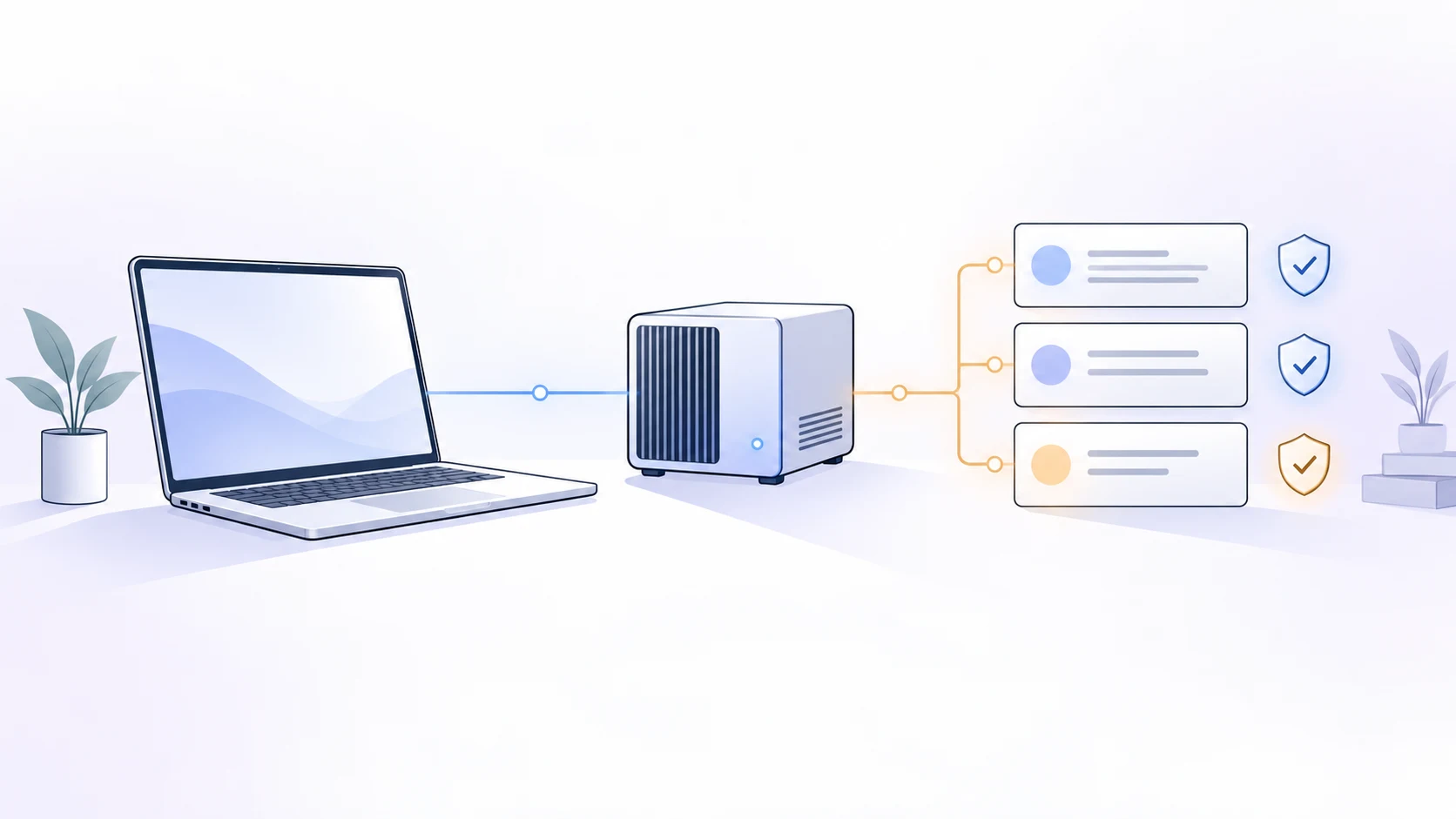
Connect Qwen 3.8 27B to DSH through a local inference API. The inference engine loads the model files, and DSH accesses the service through that API. Check that the server responds independently, then configure DSH and test text, tool calls, and image input separately. Each result helps locate a failure.
This configuration reference draws on official documentation and existing tutorials, checked on October 2, 2026. The DSH configuration is based on commit 639ed015 (source version 0.2.0-rc.2). This site has not tested the setup on hardware. Check the configuration location for your installed version before following an older tutorial.
What the local Qwen model and DSH each do
Qwen supplies model weights. An inference engine loads those weights and serves requests. DSH manages sessions and tool-driven tasks. After downloading the model files, start the inference engine so DSH can send requests to the service.
The official model card lists serving options such as vLLM and SGLang. For GGUF on a personal computer, check the quantized file and inference engine. Once you have chosen an engine, follow its instructions for files and launch parameters. Check local-service authentication separately from cloud DashScope credentials. Official Qwen model card
For hosted Qwen, use the Qwen/DashScope guide. The hosted service supplies the inference API, so connecting DSH does not require downloading tens of gigabytes of weights first.
Record the environment before deploying
Record your operating system, GPU and memory, quantized file, inference-engine build, and DSH version. These details help you judge whether a command from someone else's tutorial applies to your machine.
The 27B parameter count is only part of the memory requirements. Quantization, vision-projector files, context settings, and concurrency can change runtime overhead. A model supporting a long context is not evidence that your GPU can run that context at full capacity.
One useful example is lybhb8's AMD tutorial. In a September 30, 2026 revision, the author reduced the context setting and explained the resulting memory issue. The author also revised an earlier claim that middleware was essential. Revision notes are more useful than an isolated success screenshot. The author's environment and revisions
Start with one environment close to your own and a small task. Speculative decoding, long windows, and multiple concurrent requests can wait. Turning on every optimization at once makes the first failure harder to explain.
Check the inference service without DSH
The following example assumes that a llama.cpp server is already running. These are not installation commands. Change the port to match your server; on Windows, use curl.exe if needed.
curl http://127.0.0.1:8080/health
curl http://127.0.0.1:8080/v1/modelsCheck that the server is ready, then inspect the model ID it returns. A successful health check confirms readiness; you still need to test text generation. Follow the engine's official API instructions to send a short request and confirm that the target model replies. If authentication is enabled, model-list and generation requests need the relevant credentials; an authentication failure does not establish that the server failed to start. llama.cpp server and API documentation
Use a loopback address for this check rather than exposing the server publicly. Keep the launch alias, weights repository name, and returned model ID distinct. DSH must request an ID the server actually accepts.
Add the verified service to DSH
Follow the model guide for the referenced DSH version and add a custom model API in the model settings. Check the service address, protocol, credentials, and model ID.
| Setting | What to enter |
|---|---|
| Address | The server's API base URL, such as the verified /v1 address, not its browser interface |
| Protocol | The interface the server actually implements; /v1 alone does not identify a protocol |
| Credentials | What this server requires, not an unrelated hosted-provider key |
| Model | An accepted model ID, with capacity limits matching your verified local configuration |
Model discovery can help you find an ID, but you still need to save the selection. If a server cannot list models, check whether it implements that endpoint before deciding to add an ID manually. Replacing a key already verified elsewhere is not the first fix. Official DSH configuration guide
Configuration locations depend on version. This reference uses the profile's cordis.patch.yml; an older community example using settings.yaml cannot simply be inserted into that structure. Save through the interface where possible. Edit configuration files only for settings the interface cannot expose, and keep a backup before making changes.
Check text, tools, and images separately
Start with a short text request, such as a one-sentence explanation of a function. Confirm that the session selected your new model and that the server received the request.
Next, use an isolated workspace for a read-only tool task. Ask DSH to list files without creating, modifying, or deleting them. Inspect the tool output rather than relying on the model's claim that it inspected the directory. Confirm workspace permissions and tool availability before blaming tool-call parsing.
Only then test an image. A model understanding images, a server accepting vision requests, and DSH declaring image input are separate requirements. RAFOLIE's older case involved a working vision server but a missing DSH input declaration. The post records Windows, an RTX 4090, and a llama.cpp build; do not drop those conditions and copy a single configuration line as a universal fix. Community case and environment
Use a non-sensitive image you prepared yourself. A fluent description still needs to be checked against the image. Verify that the image was transmitted, that the server loaded any required projector, and that the task has a clear answer.
Common questions
Does a local model need an API key?
That depends on both server and client. A server may disable authentication while a client still requires a credential field. Check the adapter documentation. If it requires a placeholder credential, follow that documented route rather than sending a real cloud key to an unrelated local service. DSH adapter authentication limitations
Can I copy someone else's 128K or larger context setting?
Not safely as a default. The model's limit and the capacity your hardware, engine, and concurrency settings can sustain are different things. Use your server configuration and recorded results.
Is tool-call middleware always necessary?
No. Test direct tool calling with the current engine first. Add middleware only when a reproducible problem shows which request difference it needs to handle.
Start with a task you can verify
After connecting Qwen 3.8 27B to DSH, complete a read-only task before attempting code changes. Keep the server configuration and DSH version so upgrades can be compared. Continue with the Web UI guide and coding-repair test template.
Model setup, selection and cost guides
Codex Costs: API Billing vs Subscription Usage
Understand Codex API billing, subscription limits and credits, with GPT-5.6 Sol vs GPT-5.5 rates and a clearly scoped token-cost example.
Read →Model setup and costsConnect the Grok API to DSH
Connect the Grok API to DSH: distinguish Grok from Groq, match credentials and protocol, and check independent requests, text and tools.
Read →Model setup and costsChoose a Gemini Model by Task and Cost
Choose Gemini by task, inputs, interface and API cost. Check promotion dates and model status, then verify what your DSH adapter supports.
Read →Model setup and costsClaude Sonnet vs Opus: Which Should You Use?
Compare Claude Sonnet and Opus 5.5 by API rates, retries and review effort, then use the same coding task to decide whether an upgrade is worthwhile.
Read →